Point of sale
Counter sales that land in the same shop as your online orders
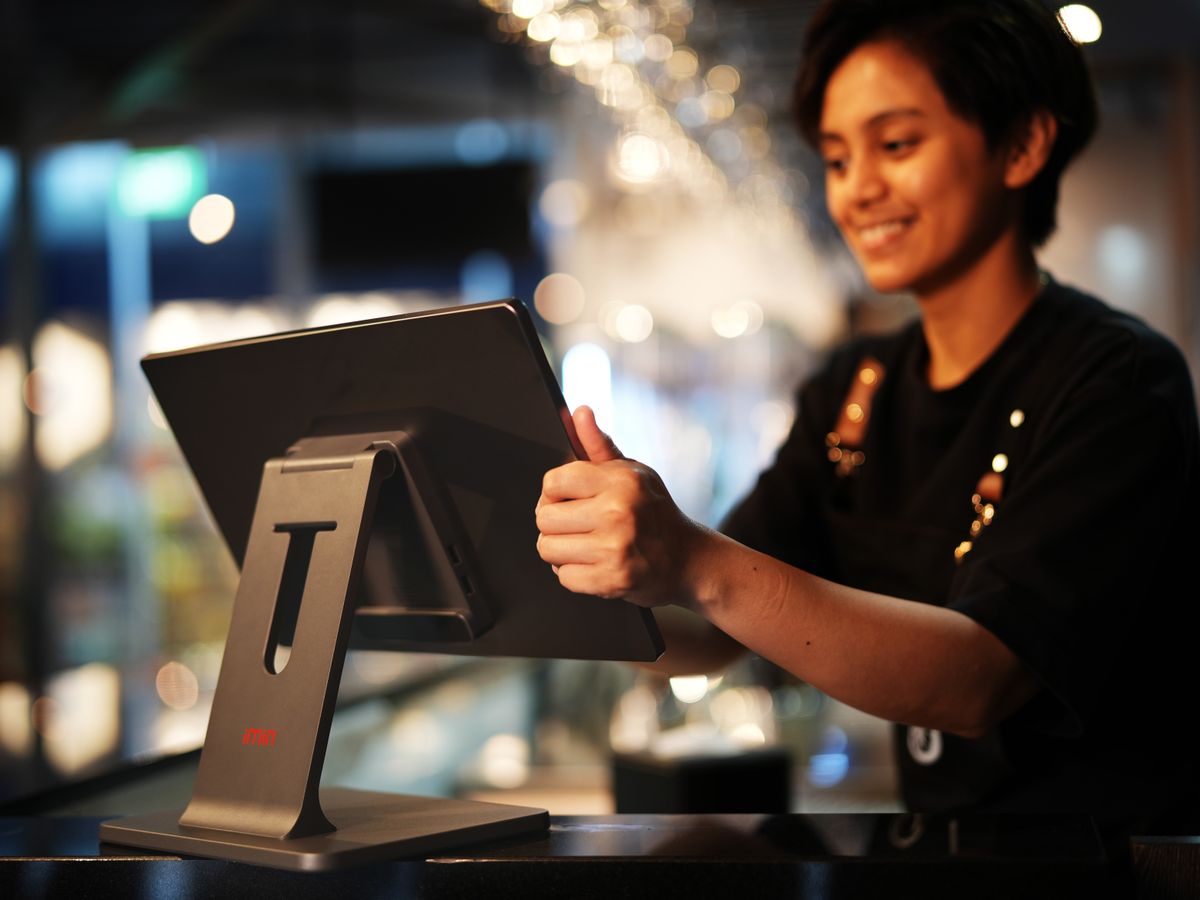
Ring up sales on a tablet or laptop, print thermal receipts, take cash, QRIS or transfer — and the stock it sells is the stock your storefront shows.
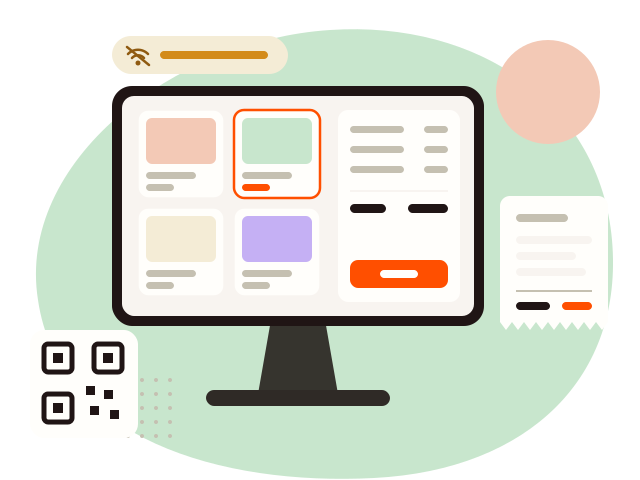
Works offline
Sales queue and sync when you reconnect.
Thermal receipts
58 or 80mm, over USB or Bluetooth.
Restaurant ready
Tables, kitchen display, bookings.
How it works
From the counter to the report
01
Open the till for your branch
Pick the branch, and its catalogue loads onto the device.
02
Ring it up
Tap the items, attach a customer, apply rewards, take payment, print.
03
It is already counted
Stock drops, the sale joins the same revenue figure, and the books get the entry.
Why it matters
What it replaces
01
Two systems, two stock counts
A separate cashier app means the storefront sells what the counter already sold.
How Point of sale handles it
One stock, every channel
The till sells from the same catalogue and the same warehouse counts as the storefront.
02
The wifi drops, the queue stays
A cloud till that stops with the connection stops the shop with it.
How Point of sale handles it
Offline by design
The catalogue lives on the device, sales queue, and everything syncs on reconnect.
03
Restaurants need more than a cart
Tables, rounds to the kitchen, bills that move — a retail till cannot keep up.
How Point of sale handles it
Restaurant mode
Open bills per table, rounds to the kitchen, lines moved or voided, and a pickup board.
Restaurant mode
From the table to the kitchen to the pickup board
For shops that serve rather than ship — on the Growth and Business plans.
Tables with open bills
A kitchen display on its own device, with a chime
A pickup board for the counter
Bookings tied to the branch
Inside Point of sale
What you get
Counter sales (POS)
Ring up sales with cash, QRIS or transfer, attach a customer, and apply loyalty rewards at the till.
Keeps selling offline
The catalogue lives on the device; sales queue and sync when the connection returns.
Thermal receipts
58 or 80mm over USB or Bluetooth, a cash-drawer kick, and reprints from history.
Restaurant mode
Open bills per table, rounds sent to the kitchen, bills moved between tables, and bookings.
Kitchen display
Tickets on their own screen with a chime, and a pickup board for the counter.
Loyalty and vouchers
Points, tiers, vouchers and affiliates that bring a buyer back.
How it fits
A till per branch
Each till opens for one branch, sells from that branch’s stock, and reports its own sales.
The rest of the platform
Works with everything else


Questions
Point of sale — the usual questions
A browser on a tablet, laptop or desktop. A thermal printer and cash drawer are optional.
Keep selling. Sales are stored on the device and sync when the connection returns. Refunds and edits wait until you are back online.
Cash, plus the QRIS and bank transfer methods your shop already accepts.
Every plan. Restaurant mode needs Growth or Business.
Try it on your own shop
Open a shop, start the free trial, and see it with your own catalogue.