Page builder
A storefront that looks like your brand, built by you
Pick a theme, drag in sections, preview on a phone, publish. Over sixty sections, ten starter themes, and an AI assistant on the way.
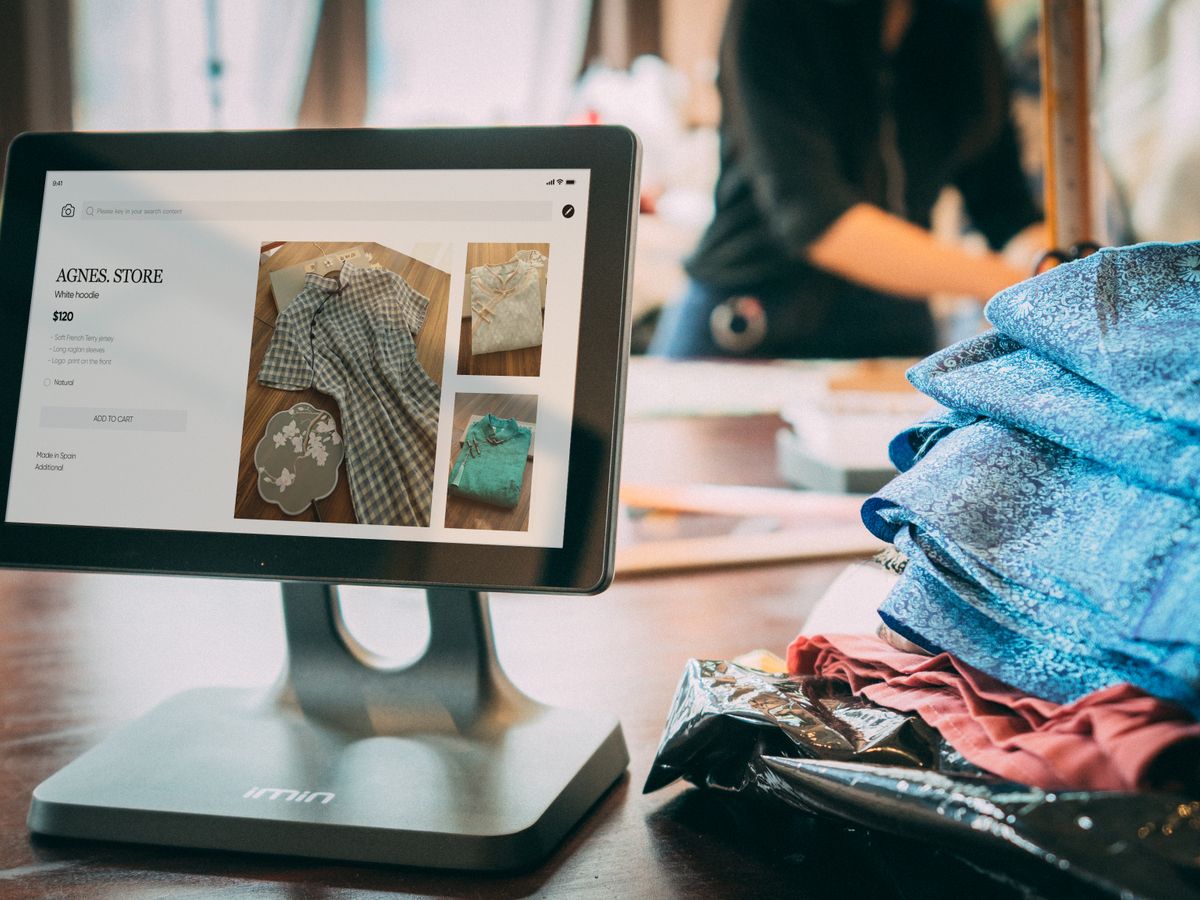
60+ sections
Heroes, lookbooks, countdowns, FAQs and more.
10 starter themes
Colour, type and shape, all adjustable.
Draft, then publish
Buyers never see a half-finished page.
How it works
From a blank page to a live shop
01
Start from a theme
Choose one of ten starting points and set your colours, fonts and corners.
02
Arrange your sections
Add, drag and restyle sections; link buttons to products, collections or any page.
03
Preview and publish
Check phone, tablet and desktop, undo freely, then publish the draft.
Why it matters
What it replaces
01
A template looks like everyone else
Marketplace listings and fixed themes make every shop look the same, whatever its brand.
How Page builder handles it
Sections, styled your way
Every section has presets, and the theme carries your colours and type across all of them.
02
A designer costs more than the shop makes
A custom website is a project, an invoice and a wait — and every later change is another one.
How Page builder handles it
Built by the person who knows the shop
Product and collection sections read your live catalogue, so nothing is copied by hand.
03
Editing breaks the live site
Changing a page while buyers are on it means they see the mess.
How Page builder handles it
A draft that stays a draft
Work on the next version while the published one keeps selling.
AI assistant · in development
Describe the shop, get a first draft
Tell the assistant what you sell and how it should feel. It writes into the draft — never straight to your buyers.
Drafts a theme from a chat brief
Writes page and article copy
Builds the navigation menu
Fills image slots with credited stock photos
Inside Page builder
What you get
Drag-and-drop page builder
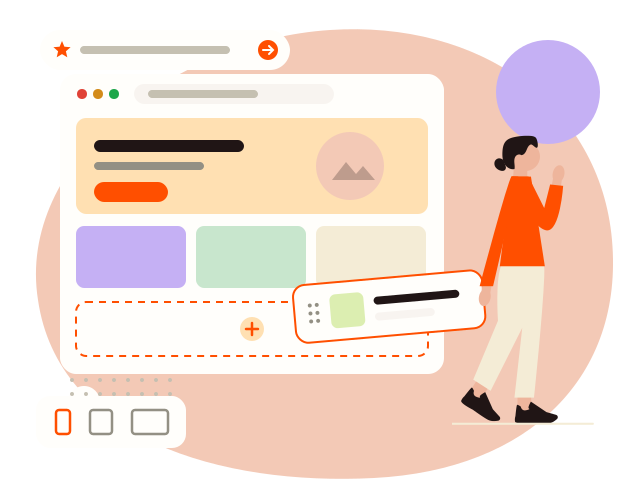
Arrange sections, preview on phone, tablet and desktop, and publish only when the draft is right.
Over sixty ready sections
Heroes, sliders, lookbooks, testimonials, countdowns, FAQs — each with style presets.
AI store assistant
In developmentDescribe your shop in a chat; it drafts a theme, page copy and navigation for you to review.
Custom styles and themes
Your colours, type and layout on the storefront, previewed against your real catalogue.
Your own address
Every shop gets its own subdomain, rendered on the server.
SEO tools
Editable titles and slugs, product structured data, sitemaps, and your own domain.
How it fits
Your catalogue, already on the page
Product, collection and category sections read the same catalogue the till sells from, and a store-locations section lists every branch.
The rest of the platform
Works with everything else



Questions
Page builder — the usual questions
No. Everything is sections and settings, and the editor shows exactly what buyers will see.
It is in development and not yet open to every shop. The page builder itself is ready today.
The Business plan. If you move to a smaller plan, your published storefront stays live — it just cannot be edited.
Try it on your own shop
Open a shop, start the free trial, and see it with your own catalogue.